
Fixing PS4 Controller Not Working In Game
I’ve been playing a bunch of Destiny lately and for some reason my ps4 controller has been acting up. The analog sticks are wonky, the buttons don’t work sometimes, and it just feels like I’m not in control of what’s happening on screen. After doing some research online I found out that this is an issue with the PS4 controller not working in game but it works somewhere else. It seems to be related to how long you play before taking a break or whether your battery died because when I disconnect from my console the problem goes away for awhile.

Why Won’t PS4 controller Work in Game?
You may wonder why your PS4 controller would work anywhere on your PS4 but not while you’re gaming. Well, there’s an obvious reason for that. Most PS4 games are managed by the controller, so if it won’t work in-game you’ll need to find a solution.
The first thing that may come to mind is battery life because when your battery dies on your PS4 controller it can just stop working altogether. If this is the case with yours, then try plugging into charge or getting a new battery.
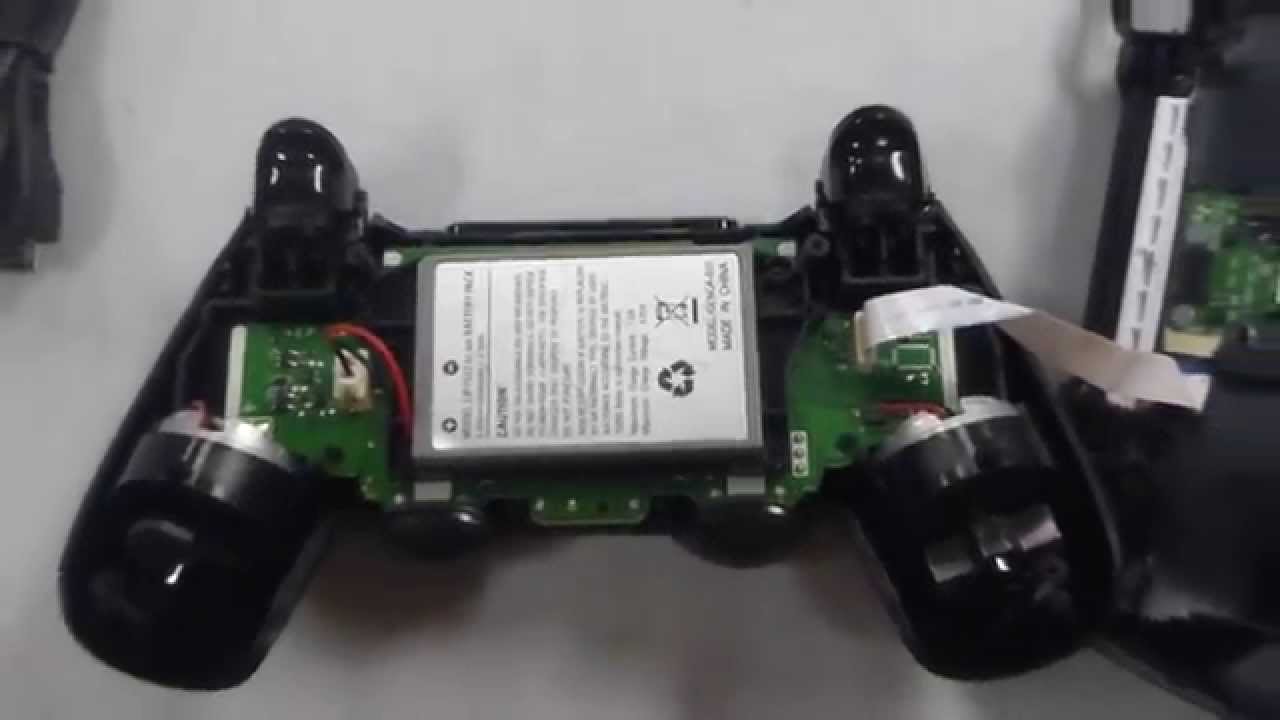
It might be the controller not receiving enough power from the battery, although the battery is working properly. This requires a technician to fix it for you.
On the other hand, the Bluetooth connection can be the culprit here. Because you use the controller heavily in game, the Bluetooth connection might get disrupted because it already needs maintenance.
If you’ve tried these suggested solutions to fix your PS4 controller and your controller still doesn’t work in game, then there might be an issue with a setting on the PS4 console or game. Resetting your PS4 controller can also fix this problem in some cases so try that too if you haven’t already done it.
Additionally, you can try restarting your PS4 to resolve this issue. If not, you may want to initialize the PS4 and reinstall the PS4 system software from scratch as there might some system file conflict or incompatibility issue going on in the system.

![PS4 Controller Connected But Not Working [Fixed]](http://www.ps4storage.com/wp-content/uploads/2022/08/connecting-ps4-controller.jpg)


